With Notionsify, showcasing products has never been more engaging. Whether you're transitioning your business online or already running an e-commerce store, integrating a product configurator is one of the most effective ways to present products realistically.
No Code. Easy Integration. Quick Launch.
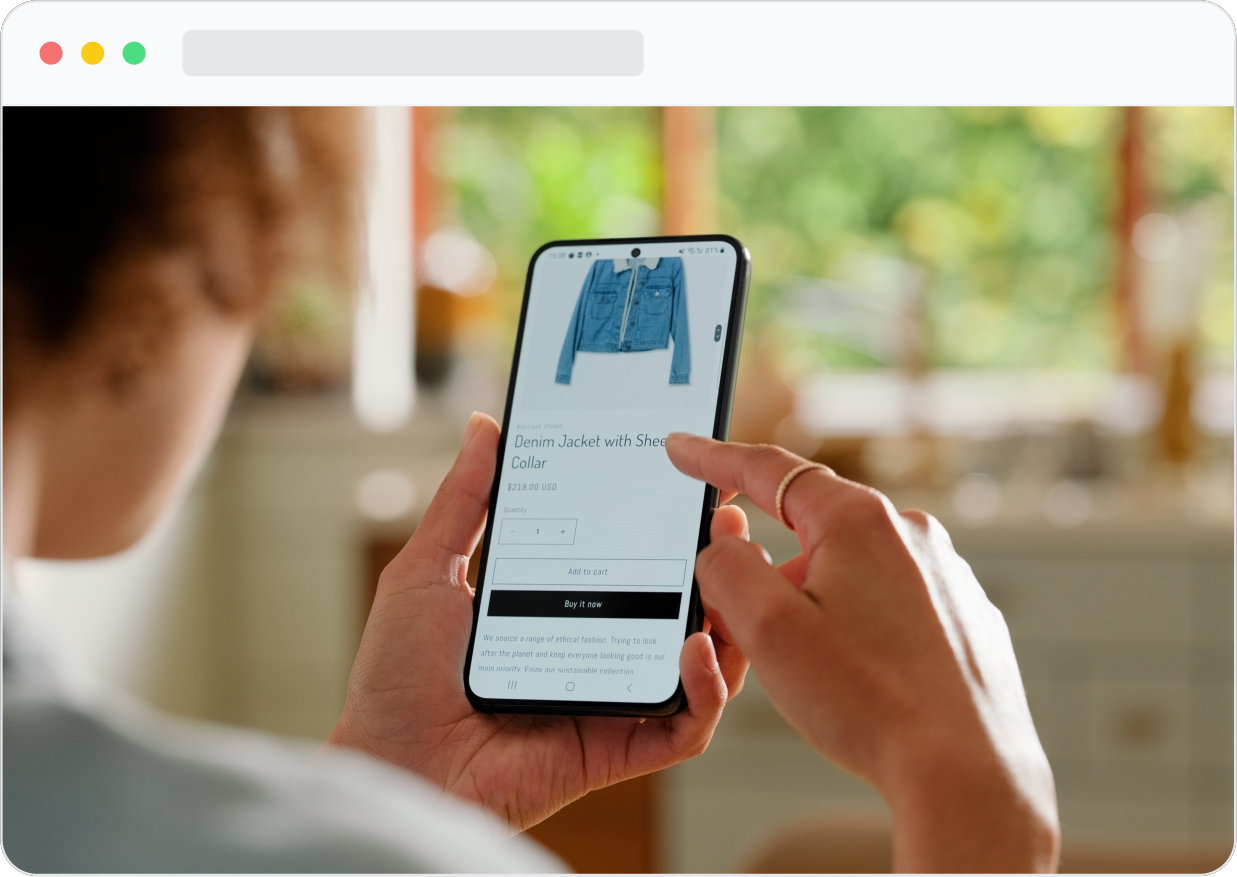
Sign up to create your account and choose a plan to get started.
We recommend exploring the dashboard first — understanding the layout will help you organize assets and navigate integration tools efficiently.
Connect your store by selecting your e-commerce platform. Currently, we support Shopify and WooCommerce, with more integrations coming soon.
You can also connect via custom webhooks and APIs.
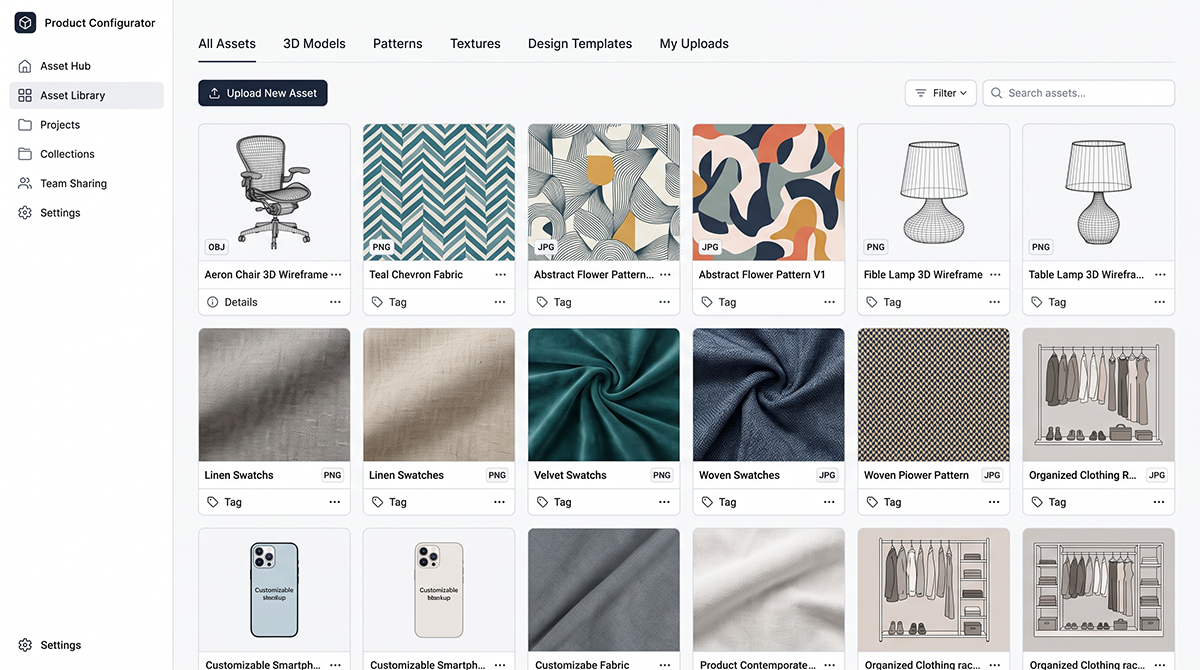
Once connected, it's time to set up your product configurator.
If you already have a product library, start importing images, designs, and product data into your asset hub.
Navigate to: Integration → Import Products (from your connected platform).
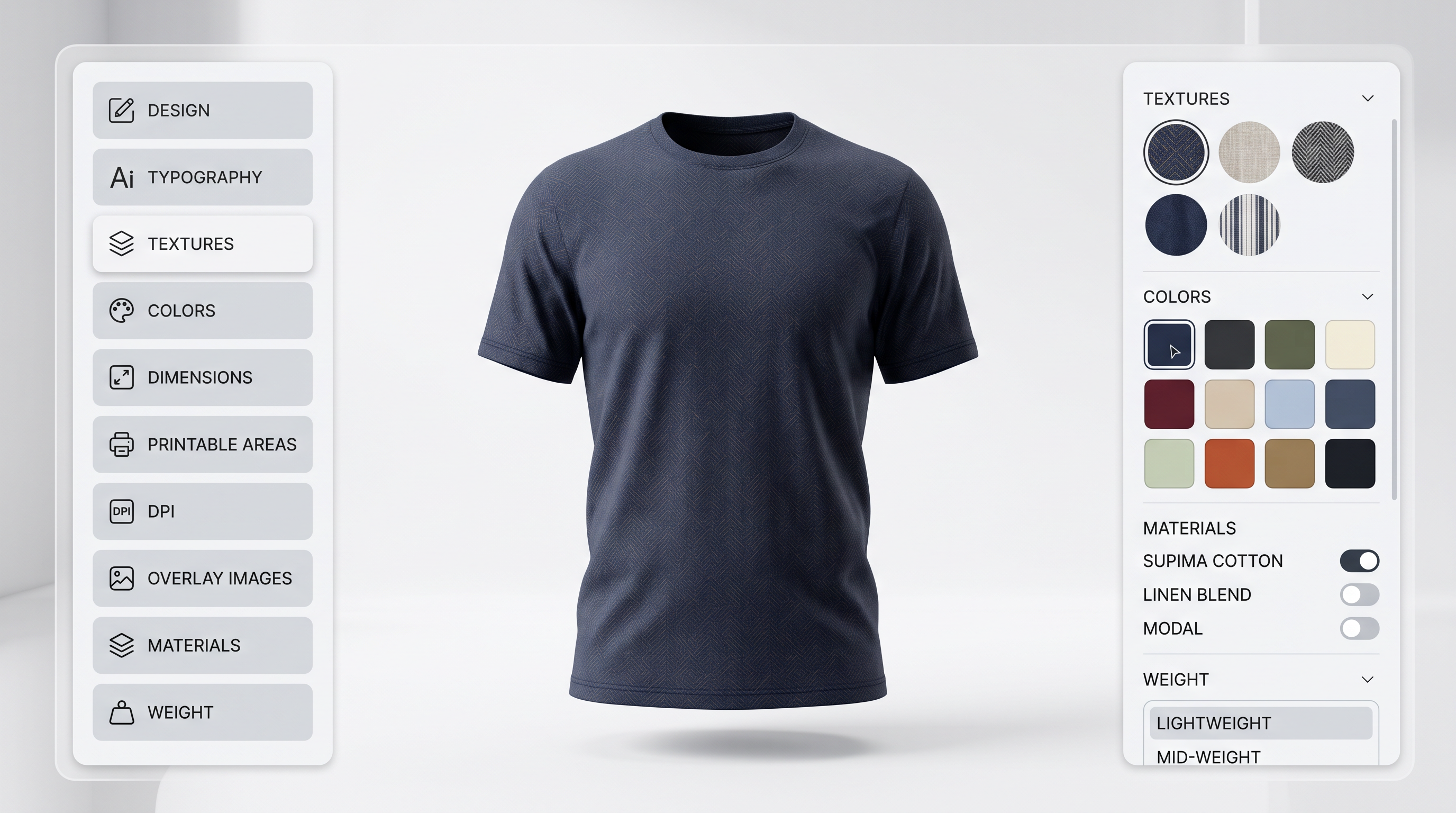
Choose the configurator that fits your product type and make it yours.
Customize product elements, including design, typography, textures, and colors.
Advanced settings can also be configured, such as dimensions, printable areas, DPI, overlay images, materials, and weight.
As you build your products, save your progress and set pricing during the customization process.
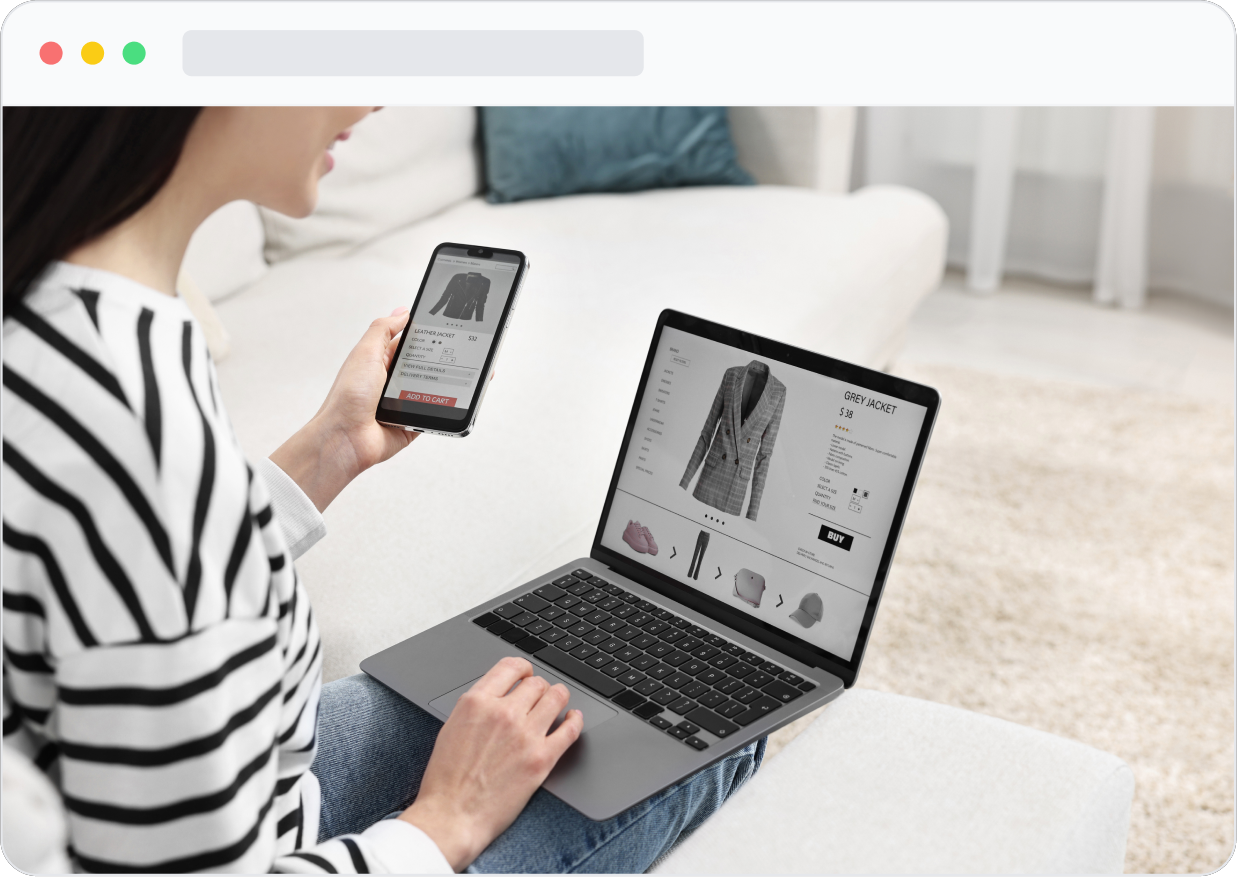
Now you're ready to go live.
Publish your products all at once or gradually as you build your catalog. Then preview your store to see how the 2D or 3D product configurator appears within your product pages.
That's it — you're ready to start selling.
If setting up the configurator feels overwhelming, we've got you covered. Our expert team can handle everything — from product setup and customization to building a fully optimized, visually engaging product catalog.
Get in Touch
Have questions about setting up your product configurator? Our team is here to help you every step of the way — from choosing the right plan to launching your first product.
