
Personalized products, such as mugs with names or customized stickers on hoodies, are some of the most popular products among ecommerce customers.
There's a lot of work that goes into a custom e-commerce order. They must be designed, the right people must make their decisions, files must be prepared for printing or engraving and the price must be calculated properly. Any of these steps can go wrong, and you end up with a wrong order, an unhappy customer, and additional return costs that you didn't budget for.
This article explains how personalizing e-ecommerce orders works, the pitfalls of doing it manually, and how doing it automatically makes everything faster, cleaner, and more reliable for your team and your customers. So let's get started.
The Real Problem With Custom Orders
However, selling a personalized e-commerce product is not the hard part. The real challenge is to get that order from the customer's screen to the production team without any problems. It's here where most businesses fall short.
Here are some issues businesses face with custom orders:
It Takes a Lot More Time
Suppose that a customer orders a custom-made tote bag. They select the color, type their name, select the font, and place the order. It's a simple thing for them. But from your side? Someone now has to:
- Open the order and read through all of the details
- Record the customer’s selections
- Select the appropriate product file
- Make the edits manually
- Save it in the proper format for production
- Send it via email to the right person/department and include the proper notes
This process takes about 15-20 minutes per order. If you are receiving 50 orders per day, then you are working 12 to 16 hours a day on admin work alone.
Things Can Go Wrong
Mistakes occur when humans are performing repetitive tasks under pressure. Such as:
- Wrong color selection is sent to the production team
- Important order notes by the customer are missed or not received
- A file is sent to the incorrect team
These minor mistakes can add up quickly.
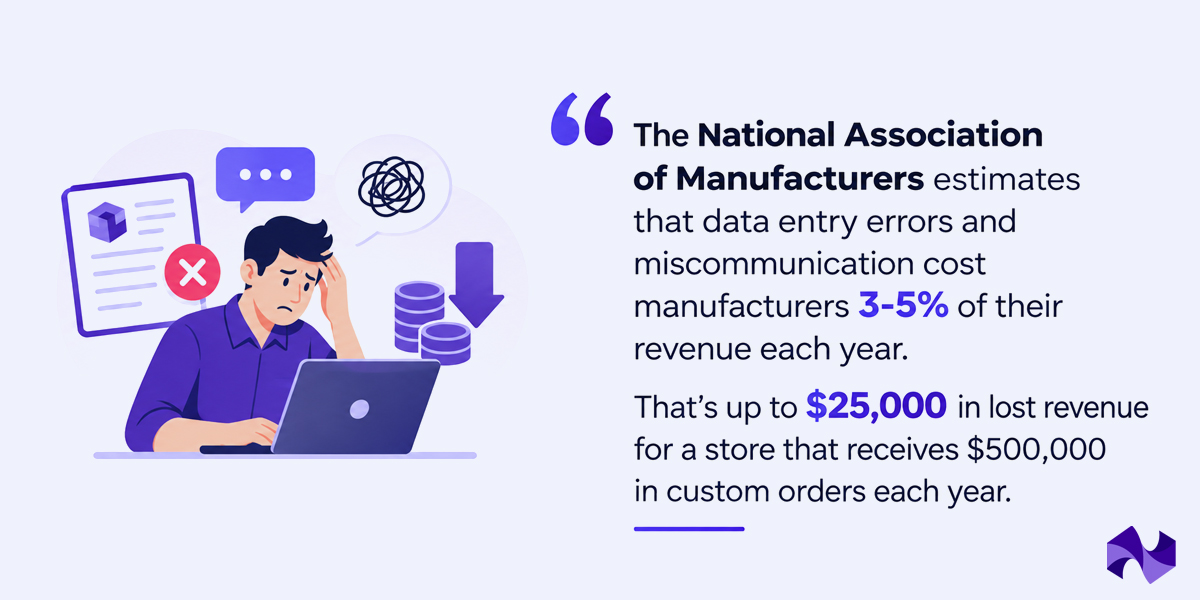
Production Teams Are Left Guessing
Information passed between teams can also be incomplete or unclear. Small details that matter during production can easily be missed. Such as:
- “Navy blue” doesn’t specify the exact Pantone shade required for printing
- A manually entered SKU may not match any product in the inventory system
When this happens, the production team has to stop, ask for clarification, wait for a response, and only then continue with the order. For custom-order businesses, this can cause significant delays and affect the overall user experience.
How Does the Customer Order Journey Look
Now that we know the common problems, let's look at how a personalized order on an e-commerce website moves from design to delivery:
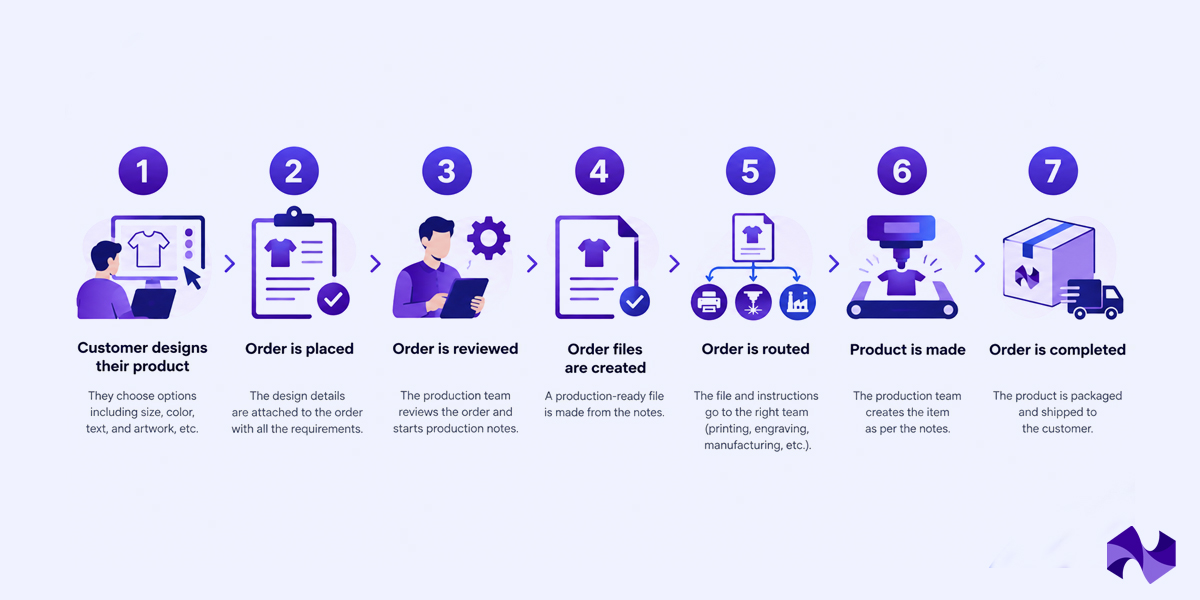
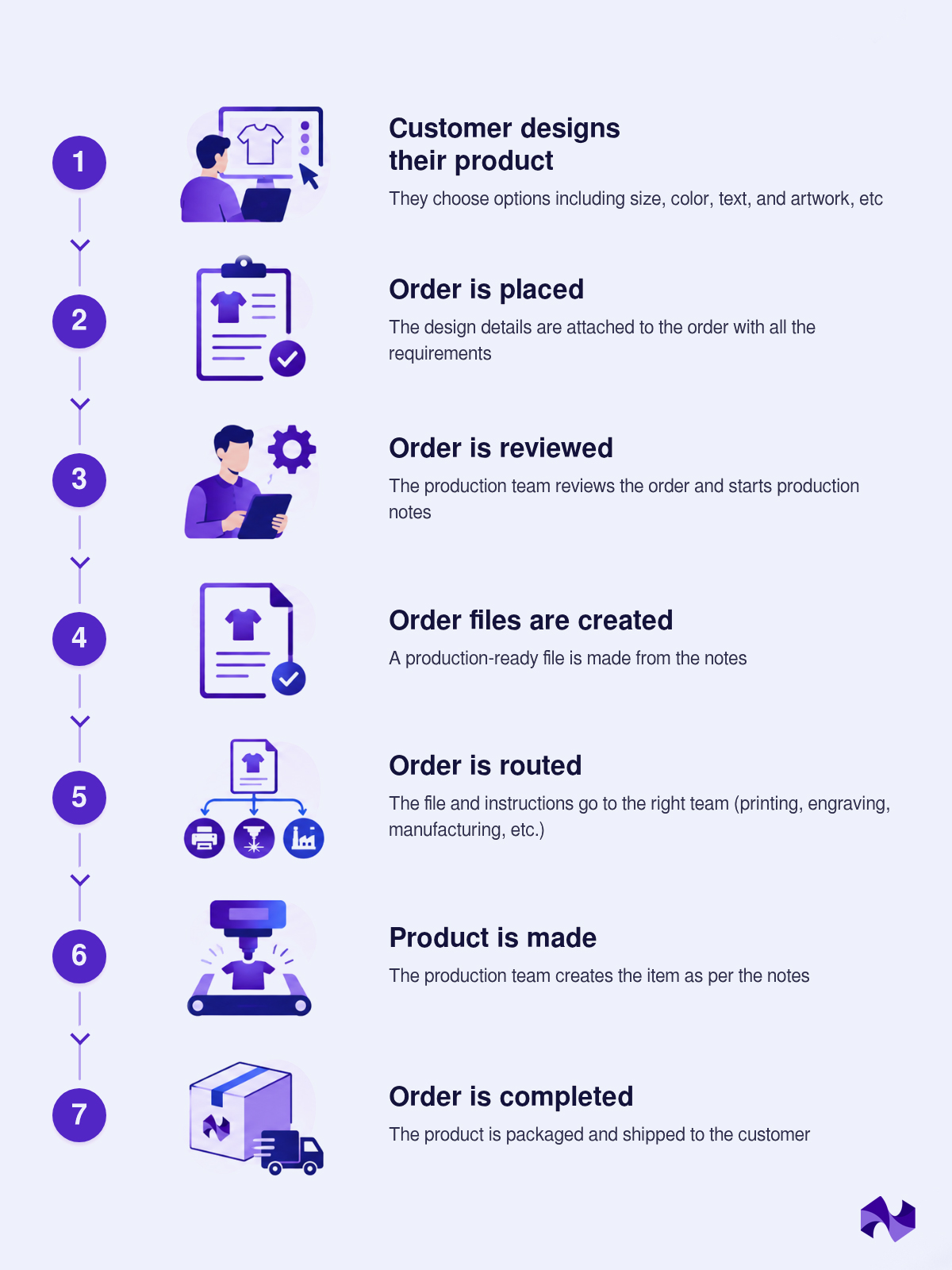
In manual setup, the steps from 2 to 5 are done by hand, while in an automated setup, those same steps happen on their own without anyone having to lift a finger.
How Automated Order Customization Actually Works
An automated order management system collects all the information a customer inputs in the customization process and converts it into everything production requires, automatically. That's how it works in practice:
Design Capture
Once a customer completes a product customization, all of their selections (color, size, text, material, graphic) are stored as structured data that is attached to their order. Nothing gets lost. There is no need to re-enter anything.
Notionsify’s 2D Visual Customizer does this in a very professional way. The customers can customize products in real time with colors, text, graphics, and more. It automatically captures every selection the moment the order is placed. No manual extraction or no guesswork is needed.
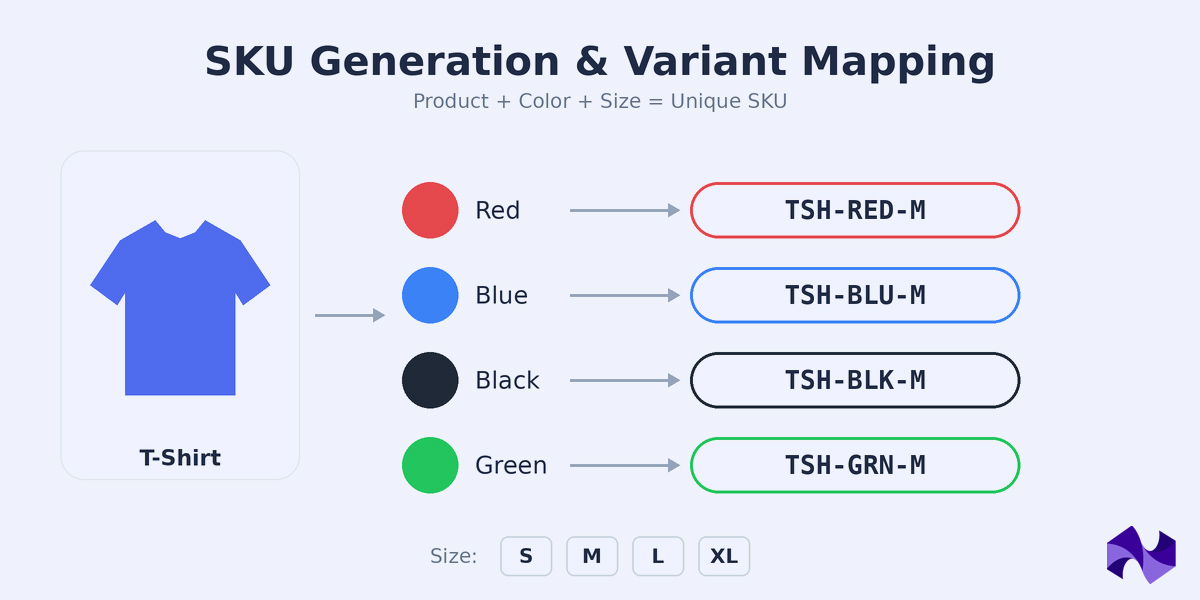
SKU Generation and Variant Mapping
Each product configuration is unique. A small red hat with white text is a different product than a large red hat with white text, even if they come from the same base item. Automated systems generate a unique SKU for each configuration.
Meanwhile, the system correlates customer-friendly options with production specifications. If the customer selects “sky blue,” the system recognizes that it is Pantone 292C. They select "large," and the system knows that this is a specific cut size. The production team receives precise specifications, not estimates.
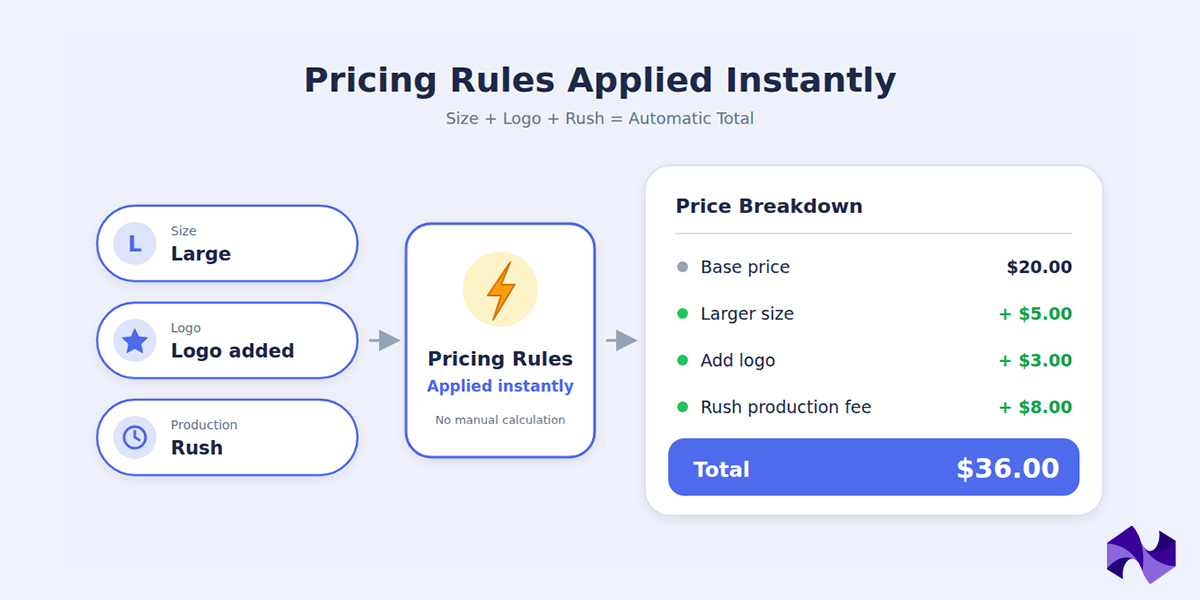
Pricing Rules Applied Instantly
The prices of custom orders can vary depending on the customer's selection. Larger sizes are more expensive. There is an additional charge for adding a logo. There is a fee for rush production. This can be done manually, but someone has to do the calculations each time, and there is always a chance of error.
When a customer makes their selections, an automated pricing engine applies all your pricing rules. The correct price is displayed to the customer and entered on the order. No manual calculation needed.
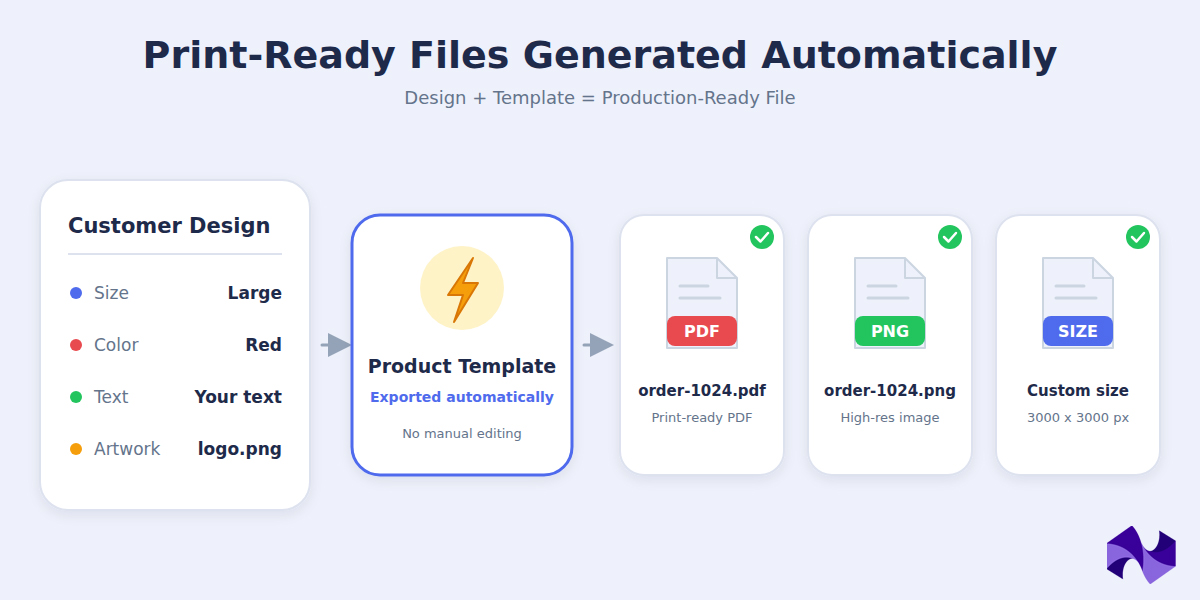
Print-Ready Files Generated Automatically
This is one of the biggest time savers. Rather than someone opening a design program, editing the design, and then exporting it in the proper format, the system does it automatically.
The customer's design decisions are incorporated into the product template, and a production-ready file is created. The system exports it in the correct format without any manual effort, whether it is a PDF, a PNG, or a specific file size.
Proofing and Error Prevention Before Production
The system automatically checks the order before it reaches your production team. It searches for things such as:
- Have you completed all of the required fields?
- Can this product combination be achieved?
- Is the file suitable for production?
- Is the price and product information accurate?
If anything is wrong, it is identified immediately before any material is cut, printed, or engraved. Correcting an error at this point takes only seconds. Fixing it after production has started can cost a lot.
Automated Order Management vs. Manual Fulfillment
Let's compare how these two approaches handle the same custom order scenario:
| Aspect | Manual Workflow | Automated Workflow |
|---|---|---|
| Time per order | 15–20 minutes of manual work | Under 1 minute |
| File preparation | Done by hand; format issues are common | Auto-generated in correct format |
| Pricing | Calculated manually; errors happen | Applied instantly, always accurate |
| SKU assignment | Created manually, often inconsistent | Auto-generated for every config |
| Variant validation | Caught during production and often too late | Done before the order is confirmed |
| Routing to production | Email with attachments, easy to miss | Automatic, goes to the right team |
| Error rate | 3–8% of orders have issues | Under 1% |
| Time to start production | 2–4 hours minimum | 5–15 minutes |
Keep in mind that automation does not remove every human task. Production teams still need to make the product, handle exceptions, and manage cases that fall outside the normal rules. The main difference is that the system handles more of the repetitive information work before the order reaches them.
What Your Business Actually Gains Through This
When businesses implement automated order management systems, the operational improvements are immediate and measurable:
Your Team Gets Hours Back Every Day
Administrative staff spend 15-20 minutes on manual work per custom order. These tasks are completed in seconds with automation. That's saving 1-2 full-time employees' time each month, or 250-330 hours of staff time per month for a business that processes 1,000 custom orders per month.
Significant decrease in production mistakes
Manual processes have an error rate of 3-8%. Automated systems that are built in with validation will have error rates of <1%. If a business has an annual custom order volume of $2 million and the number of errors is reduced from 5% to 0.5%, the company can save $30,000 in avoided losses and rework costs each year.
Faster Order-to-Production Time
Manual fulfillment usually requires 2-4 hours after the order is placed until it is produced. This can be reduced to 5-15 minutes with automated systems. This speed improvement has cascading benefits: faster fulfillment times, happier customers, reduced customer support inquiries about order status, and ability to offer expedited production options.
Enhance Product Quality & Customer Satisfaction
Clear and accurate specifications and production-ready files result in better quality when it comes to production teams. Misunderstandings are reduced, remakes are reduced and customer complaints are reduced. The better the quality, the lower the return rate and the higher the repeat purchase rate.
Scalability Without an Increase in Cost
Manual processes are linear – the more orders, the more people you need. Automated systems scale logarithmically: If a system can process 100 orders a day, it can process 1,000 orders a day with relatively little extra effort. This allows for revenue growth without proportional cost growth, which has a huge impact on unit economics.
Enhanced Data & Operational Visibility
Standardized data is generated by automated systems for each order. This enables analytics: Which product configurations are most popular? What are the longest production steps? Where are bottlenecks? This intelligence is used to achieve continuous improvement.
Which Types of Businesses Need Personalization the Most?
Custom order automation is useful across many industries, but some businesses need it more than others.
Print-on-Demand Brands
Businesses selling custom t-shirts, mugs, posters, and other products can quickly face hundreds of orders daily. Without automation, managing production and fulfillment becomes time-consuming. Automation sends orders directly from checkout to the fulfillment provider for processing.
Apliiq focuses on apparel and offers custom labels, embroidery, private labeling, and branded packaging.
Custom Jewelry and Luxury Goods
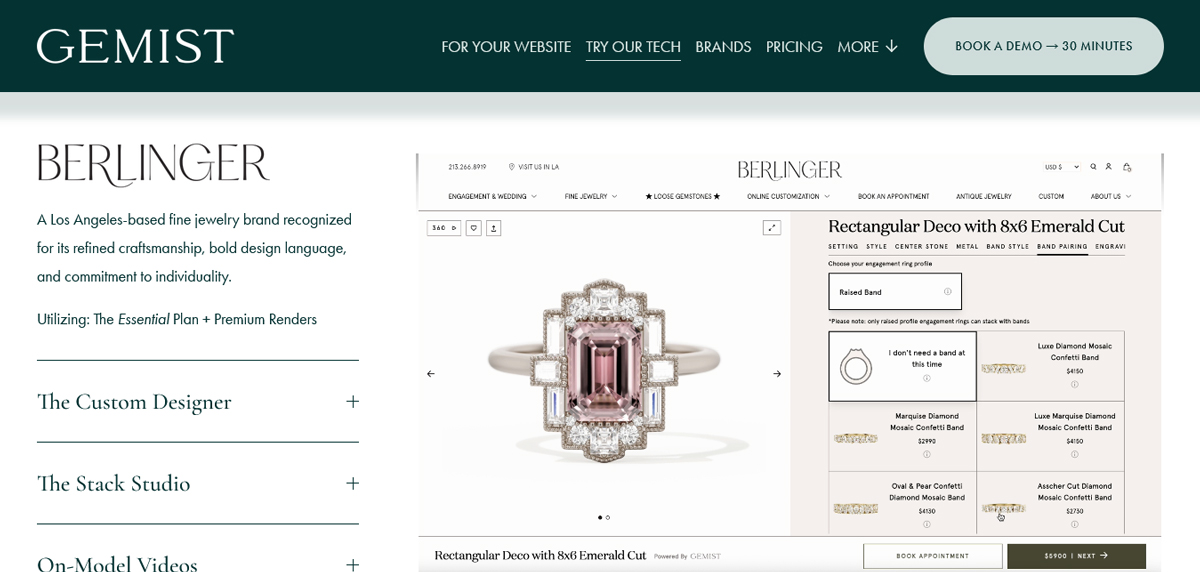
Jewelry requires exact specifications. A wrong engraving or incorrect metal type can ruin an expensive piece. Automated systems make sure every detail stone size, metal finish, engraving text, and font reaches the jeweler exactly as the customer ordered.
Notionsify's 3D product configurator is a perfect fit for jewelry brands offering custom orders. Customers can pick their metal, stone, size, engraving, and finish and see every change update live on screen. Once the order is placed, all those details are captured automatically and a print-ready file is sent straight to the production team.
Personalized Gifts and Home Décor
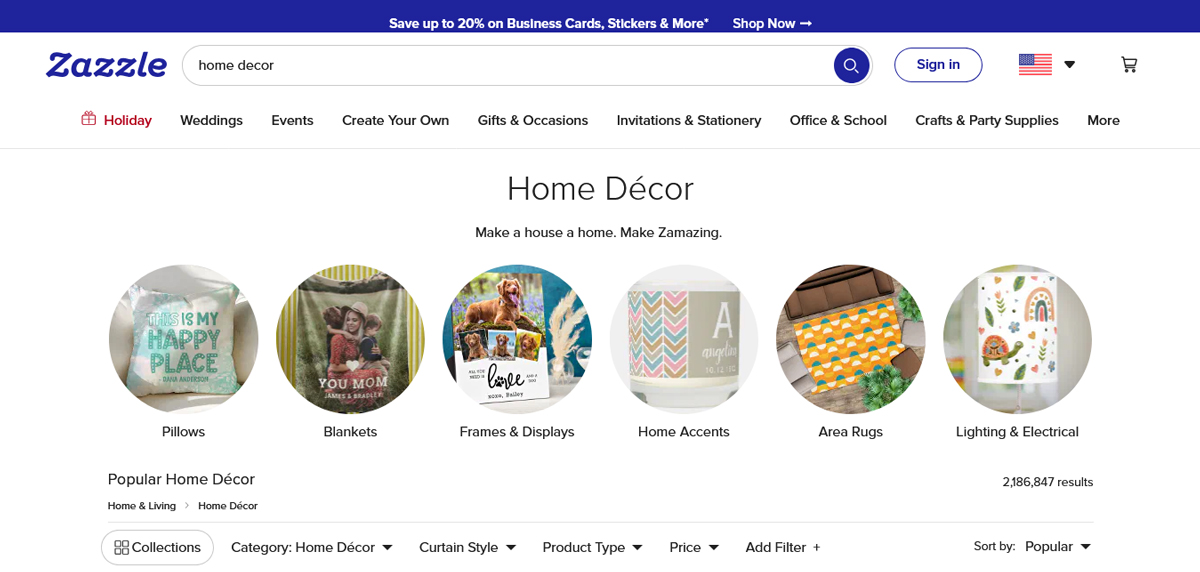
Gift businesses come in all shapes and sizes, from custom picture frames to personalized cutting boards. All of this is manageable with automation, without having to have a large admin team behind the scenes.
Zazzle is one of the largest personalized gift platforms on the web, letting customers add text, images, and colors with a live preview before ordering.
Corporate Merchandise and B2B Orders
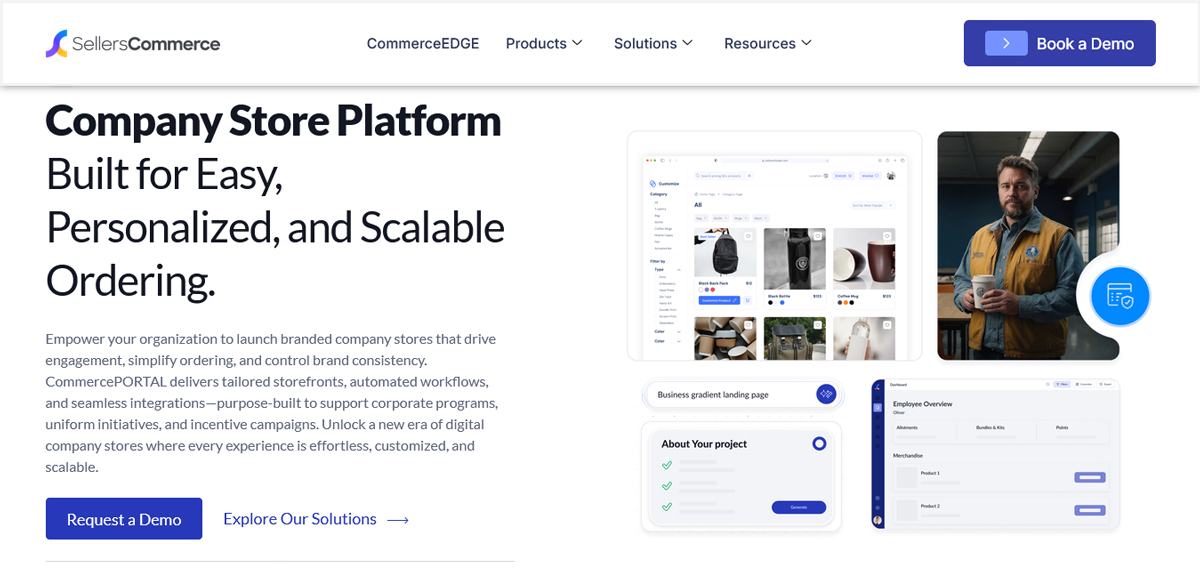
When businesses place orders for branded products, they frequently require bulk customization, such as company logos, particular Pantone colors, and custom text on each item. These are complicated orders but an automatic system guarantees that all specifications are recorded accurately and communicated to production.
SellersCommerce lets businesses create branded portals where corporate clients can browse and order merchandise.
Fashion and Apparel Brands
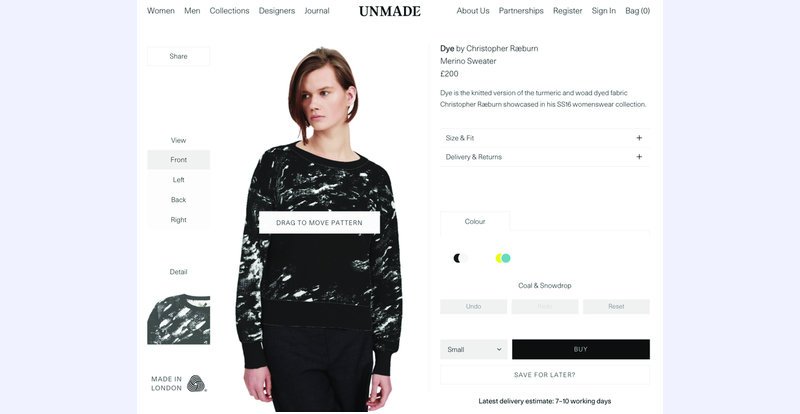
Made-to-order brands have to work with a variety of size, color, fabric, and design options. Automated order management makes it possible to offer true personalization at scale without drowning in production admin.
Unmade is a purpose-built platform for made-to-order fashion which uses customization as their edge.
Conclusion
Personalized products are a wonderful business but only if the business works well. If orders are lost, files are incorrect, or production teams are constantly seeking clarification, then a great-looking product configurator in your store is worthless.
The process from custom design to fulfillment is solved with automation. It saves time, reduces mistakes, speeds up production, and allows you to grow without having to constantly hire more people to keep up.
The companies that are thriving in custom ecommerce are not only those with the best products. They are the ones who ensure that each order is dealt with properly, every time.
Frequently Asked Questions (FAQs)
What should businesses do when a customer submits an unclear personalization request?
Avoid sending such a request to production. Rather, mark the order for review, and reach out to the customer if there is key information missing or the request is not a typical one.
What happens when a customer changes their personalized order after placing it?
Establish a definite deadline for ordering changes. Changes that are requested prior to production can often be dealt with more easily, whereas changes made during production may take longer or cost more. Communicate this policy at the checkout to inform customers of what to expect.
Should personalized products require customer approval before production?
For high-value products, this can be a useful step. It gives customers a chance to check names, spelling, artwork, and other details before production begins, helping prevent avoidable mistakes.
What should businesses measure after automating personalized orders?
Some useful metrics are production turnaround time, orders that need manual intervention, remake rates, customer-reported errors, clarification requests, and the percentage of orders that are produced without manual changes. These measurements can be used to determine the areas of strength and weakness in the workflow.